
Table of Content
Introduction: How to Plan Your Week Using a Task Done Tool
Why Weekly Planning Matters
Benefits of Using a Task Done Tool for Weekly Planning
Conclusion
How to Plan Your Week Using a Task Done Tool
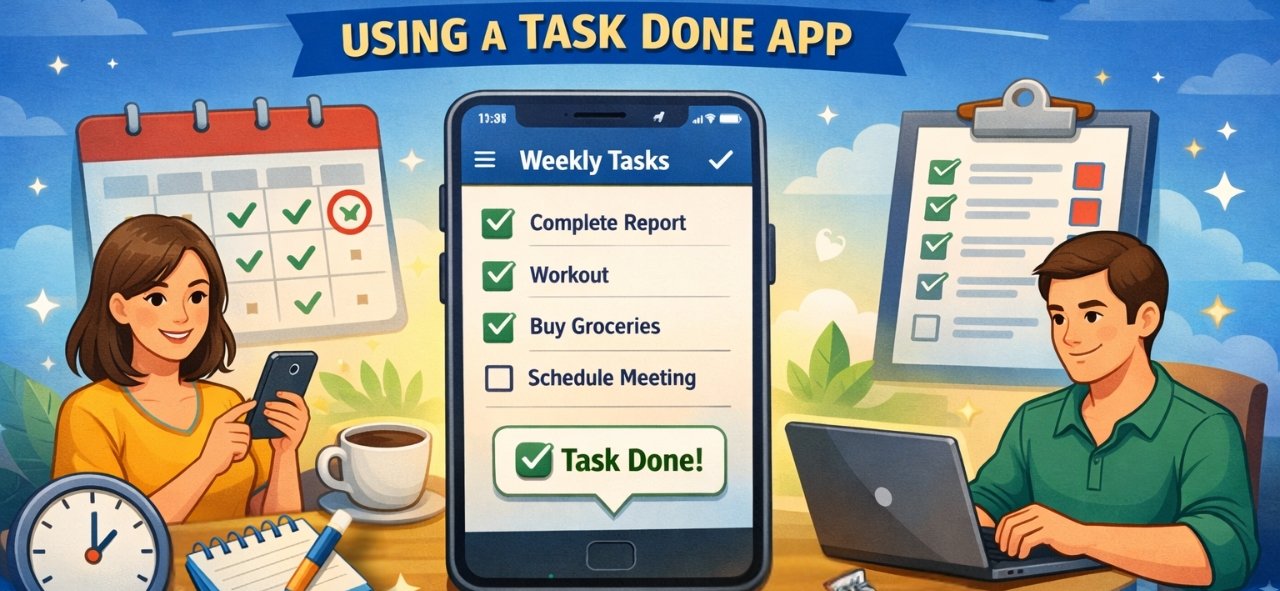
Planning your week is one of the simplest yet most powerful habits for staying productive. Instead of reacting to tasks every day, a Task Done Tool helps you plan, organize, and execute your work with clarity and confidence.
In this guide, you’ll learn how to effectively plan your entire week using a Task Done Tool and stay focused without feeling overwhelmed. (Excellifes)
Why Weekly Planning Matters
Weekly planning helps you:
- Gain clarity on priorities
- Avoid last-minute stress
- Balance work and personal tasks
- Improve time management
- Stay consistent with goals
A Task Done Tool turns weekly planning into a smooth, repeatable system.
Step 1: Review the Previous Week
Before planning the new week, take a few minutes to:
- Check completed tasks
- Identify unfinished tasks
- Understand what caused delays
Move incomplete tasks into the new week so nothing gets missed.
Step 2: List All Tasks for the Upcoming Week
Add every task to your Task Done Tool, including:
- Work assignments
- Personal errands
- Meetings and appointments
- Learning or fitness goals
Writing everything in one place reduces mental clutter and improves focus.
Step 3: Prioritize What Matters Most
Not all tasks are equally important. Use your Task Done Tool to:
- Mark high-priority tasks
- Identify urgent vs non-urgent work
- Focus on results, not just activity
This ensures your energy goes where it matters most.
Step 4: Assign Tasks to Specific Days
Weekly planning works best when tasks are time-bound.
Assign each task to a specific day based on:
- Deadlines
- Energy levels
- Workload balance
This prevents overloading a single day and keeps your week realistic.
Step 5: Break Big Tasks into Smaller Steps
Large tasks can feel overwhelming. Break them into:
- Smaller, actionable subtasks
- Clear next steps
This makes tasks easier to start and faster to complete.
Step 6: Set Reminders and Notifications
A Task Done Tool keeps you on track by:
- Sending reminders before deadlines
- Alerting you about upcoming tasks
- Helping you stay consistent
You no longer need to rely on memory or sticky notes.
Step 7: Leave Buffer Time
Avoid scheduling every minute of your week.
Add buffer time for:
- Unexpected work
- Delays
- Breaks and rest
A flexible plan is more effective than a packed one.
Step 8: Review and Adjust Mid-Week
Mid-week reviews help you:
- Adjust priorities
- Reschedule tasks if needed
- Stay aligned with goals
A Task Done Tool makes weekly adjustments quick and easy.
Conclusion
Planning your week using a Task Done Tool gives you control over your time instead of letting tasks control you. With better organization, clear priorities, and smart reminders, you can stay productive without burnout.
Make weekly planning a habit—and watch your productivity improve week after week.
Recent Post
Dosificación de Péptidos con Omnitrop
La dosificación adecuada de péptidos es crucial para asegurar su efectividad y seguridad en los tratamientos. Omnitrop, un péptido sintético que se utiliza como
Optimierung des Bodybuildings: Der sichere und effektive Einsatz von Steroiden aus der Apotheke
Inhaltsverzeichnis Einführung Steroide aus der Apotheke Sicherheit und Wirkung Empfohlene Anwendung und Dosierung Nebenwirkungen und Risiken Schlussfolgerung Einführung Bodybuilding erfordert nicht nur intensive Trainingseinheiten,
Estimulantes Naturais Da Testosterona: Como Tomar
Introdução A testosterona é um hormônio essencial para a saúde masculina, influenciando desde a libido até a massa muscular. Com o passar dos anos,
Frequently Asked Questions
It simplifies daily life by keeping all tasks in one place, sending reminders, reducing mental stress, and helping you prioritize important work.
Yes, most task management tools allow you to organize both personal and professional tasks in one app with categories or labels.
Weekly planning gives a clear overview of your workload, while daily planning focuses on execution. A Task Done Tool supports both.
With a Task Done Tool, weekly planning usually takes only 10–15 minutes and saves hours throughout the week.
Yes, Task Done Tools are user-friendly and suitable for beginners, students, and professionals alike.
By organizing tasks, setting reminders, and avoiding last-minute rush, a Task Done Tool reduces stress and mental overload.
You can include work tasks, personal goals, meetings, errands, fitness routines, and learning activities.
It’s best to review your plan at least once mid-week and again at the end of the week to stay on track.