
Table of Content
1. Introduction
2. What Is a Task Done Tool?
3. Benefits of Using a Task Done Tool
4. Step-by-Step Guide to Organize Your Day
5. How Reminders and Priorities Reduce Stress
6. Daily Review and Planning for Tomorrow
7. Conclusion
8. FAQ
Managing daily tasks can feel overwhelming when everything is stuck in your head or scattered across notes. A Task Done Tool helps you plan your day clearly, stay focused, and complete tasks without stress.
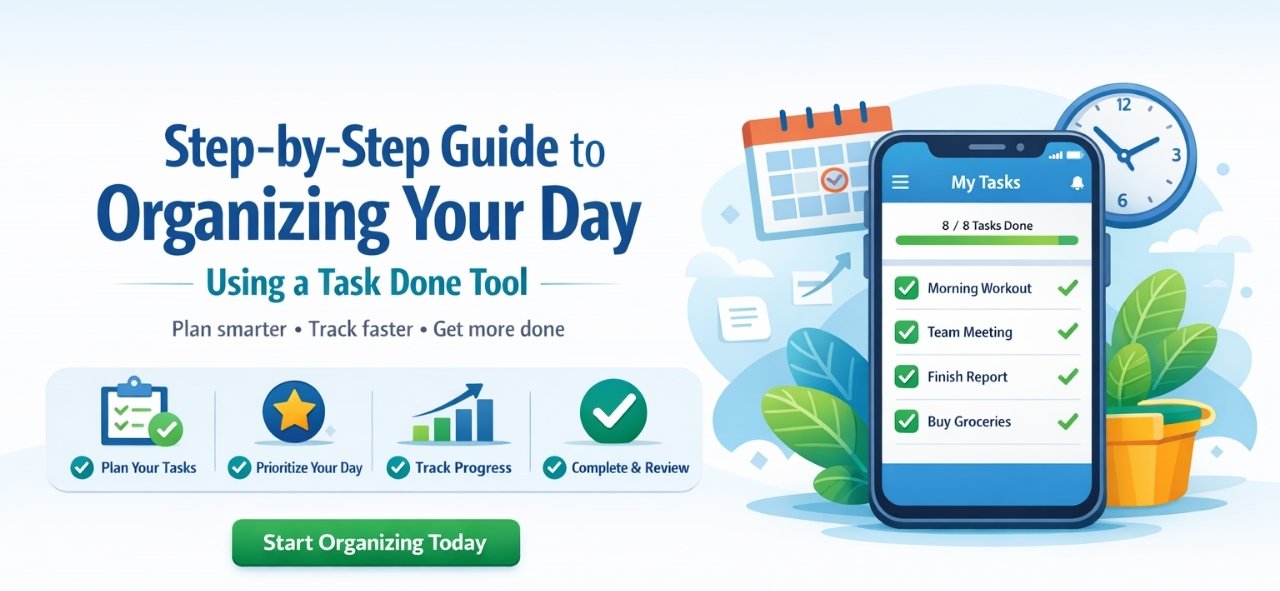
This step-by-step guide will show you how to organize your entire day effectively using a Task Done Tool, whether you’re a student, professional, or business owner. (Excellifes)
Step 1: Start Your Day by Listing All Tasks
Begin your day by writing down everything you need to do:
- Work tasks
- Personal chores
- Appointments
- Follow-ups
A Task Done Tool lets you capture all tasks in one place so nothing is forgotten.
Step 2: Categorize Your Tasks
Once your tasks are listed, organize them into categories such as:
- Work
- Personal
- Urgent
- Long-term
Categorization helps you understand where your time is going and keeps your day structured.
Step 3: Set Priorities for Each Task
Not all tasks are equally important. Use priority levels like:
- High
- Medium
- Low
A Task Done Tool highlights what needs immediate attention, helping you avoid last-minute stress.
Step 4: Add Due Dates and Time Slots
Assign deadlines or time slots to tasks:
- Morning tasks
- Afternoon tasks
- End-of-day tasks
This turns your task list into a clear daily plan instead of a random checklist.
Step 5: Break Big Tasks into Smaller Actions
Large tasks can feel overwhelming. Break them into smaller steps:
- Research
- Prepare
- Execute
- Review
Completing small steps keeps you motivated and ensures steady progress throughout the day.
Step 6: Enable Smart Reminders
Use reminders to stay on track:
- Meeting alerts
- Deadline notifications
- Follow-up reminders
A Task Done Tool sends timely notifications so you stay focused without constantly checking your list.
Step 7: Focus on One Task at a Time
Avoid multitasking. Focus on completing one task before moving to the next.
A Task Done Tool helps you:
- See what’s next
- Stay distraction-free
- Work more efficiently
Step 8: Mark Tasks as Completed
As you finish tasks, mark them as done.
This:
- Creates a sense of achievement
- Boosts motivation
- Helps you track productivity
Step 9: Review and Plan for Tomorrow
At the end of the day:
- Review completed tasks
- Reschedule pending ones
- Plan for tomorrow
This habit builds consistency and long-term productivity.
Conclusion
Organizing your day doesn’t have to be complicated or stressful. By following these simple, practical steps and using a Task Done Tool, you can plan your day with clarity and confidence. It helps you prioritize important tasks, stay focused throughout the day, and avoid last-minute pressure. With everything clearly organized in one place, you’ll save time, reduce mental clutter, and work more efficiently. Over time, this simple habit can boost your productivity, improve work-life balance, and help you accomplish more every day without feeling overwhelmed.
Recent Post
Dosificación de Péptidos con Omnitrop
La dosificación adecuada de péptidos es crucial para asegurar su efectividad y seguridad en los tratamientos. Omnitrop, un péptido sintético que se utiliza como
Optimierung des Bodybuildings: Der sichere und effektive Einsatz von Steroiden aus der Apotheke
Inhaltsverzeichnis Einführung Steroide aus der Apotheke Sicherheit und Wirkung Empfohlene Anwendung und Dosierung Nebenwirkungen und Risiken Schlussfolgerung Einführung Bodybuilding erfordert nicht nur intensive Trainingseinheiten,
Estimulantes Naturais Da Testosterona: Como Tomar
Introdução A testosterona é um hormônio essencial para a saúde masculina, influenciando desde a libido até a massa muscular. Com o passar dos anos,
Frequently Asked Questions
A Task Done Tool is a digital task management solution that helps you organize, prioritize, and efficiently track daily tasks.
Priorities, add deadlines, receive reminders, and track progress—all in one place.It allows you to list tasks, set
Yes. Task Done Tools are perfect for personal tasks, daily routines, habit tracking, and goal planning.
Absolutely. Professionals and teams use Task Done Tools to manage workloads, meet deadlines, and improve productivity.
Ideally, review tasks daily—once in the morning to plan and once at the end of the day to prepare for tomorrow.
Yes. By organizing tasks clearly and sending reminders, a Task Done Tool reduces mental clutter and work-related stress.