Table of Content
- Introduction
- Multi-Team Challenges
- Task Management System Overview
- Simplifying Team Operations
- Key Features
- Benefits
- Use Cases
- Choosing the Right System
- Conclusion
- FAQs
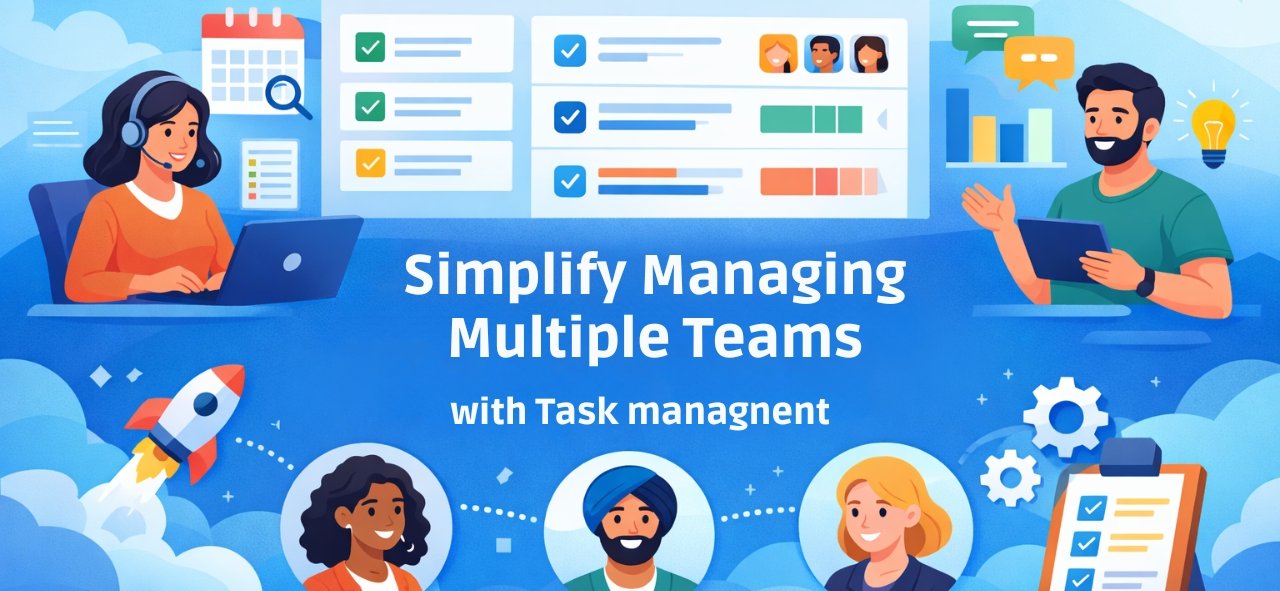
Managing one team is manageable, Two teams, still okay. But three, four, or more? Things get messy. Fast.
Different priorities. Different deadlines. Different ways of working. Messages cross. Updates get missed. And suddenly, managers are spending more time coordinating work than actually leading it.
This is where an Employee Task Management System quietly brings structure back.
The real challenges of managing multiple teams
It’s rarely about effort. Teams usually work hard. The problem is visibility. Tasks are scattered across tools. Communication jumps between calls, chats, and emails. Deadlines overlap. Some get missed. Workload isn’t balanced, and performance is hard to measure. Without a clear system, even good teams struggle to stay aligned.
What Is an Employee Task Management System?
Think of it as one shared workspace for all teams. An Employee Task Management System allows managers to assign, track, and monitor tasks across departments. Everyone sees what they own, what’s in progress, and what’s coming next.
No confusion, One source of truth That’s important.
How Task Management simplifies multi-team operations
Once tasks move into a centralized system, things change
- Managers get a single dashboard
- Tasks are assigned to multiple teams in minutes
- Progress updates appear in real time
- Bottlenecks show up early, not after damage is done
- Teams coordinate better, without constant meetings.
Workflows feel smoother. Execution becomes faster.
Key features that actually help
For multi-team management, features matter. But simplicity matters more.
- Team-wise task allocation
- Role-based access, so everyone sees what they sho
- Live status updates
- Clear priorities and deadlines
- Cross-team collaboration tools
- Reports that make sense.
Automatic alerts when things slip
Nothing fancy. Just useful.
Benefits for managers and organizations
- Control improves, without micromanaging
- Transparency increases across teams
- Decisions happen quicker
- Workloads feel more balanced
- Productivity rises. Morale too
- And operations scale without chaos
Small changes, Big results.
Real-World Use Cases
- IT teams running parallel projects without overlap.
- Sales teams tracking leads and follow-ups clearly
- Marketing teams coordinating campaigns smoothly
- HR teams managing onboarding and compliance
- Operations teams scheduling daily work without confusion
Different teams, Same problem, Same solution.
Choosing the right Task Management System
Not every tool fits every business.
- Look for easy team setup
- Flexible workflows
- Cloud access for remote work
- Integrations with tools you already use
- Mobile and desktop support
- And reporting that actually helps decisions
Adoption is key. If it’s too complex, people won’t use it.
Conclusion
Managing multiple teams doesn’t have to feel overwhelming. With the right Employee Task Management System, clarity replaces confusion. Control replaces chaos. Teams stay aligned, even as the business grows. It’s not about doing more work. It’s about managing work better. And once that happens, everything starts running smoother.
Recent posts
I Migliori Casinò Online Non AAMS per Giocatori Italiani Professionisti
Per i giocatori professionisti italiani che ricercano opportunità innovative di gioco, i Migliori casinò online non AAMS rappresentano un’alternativa interessante alle piattaforme regolamentate dall’Agenzia
Unlock the world of sports betting with Pin Up: a beginner’s roadmap
The world of online casinos is an exciting realm filled with opportunities to win and have fun. With a plethora of games ranging from
Oplev adrenalinsuset hos Shakebet Casino Danmark med uovertruffen spænding
Auto-generated post_excerpt
FAQs
Frequently Asked Questions
Yes, modern systems are designed to manage multiple teams with separate workflows and dashboards.
By providing shared visibility, communication tools, and real-time updates.
Absolutely. Cloud-based systems work seamlessly for remote and distributed teams.
Yes, performance dashboards and reports help track productivity and progress.
Most platforms are scalable and grow with your business needs.